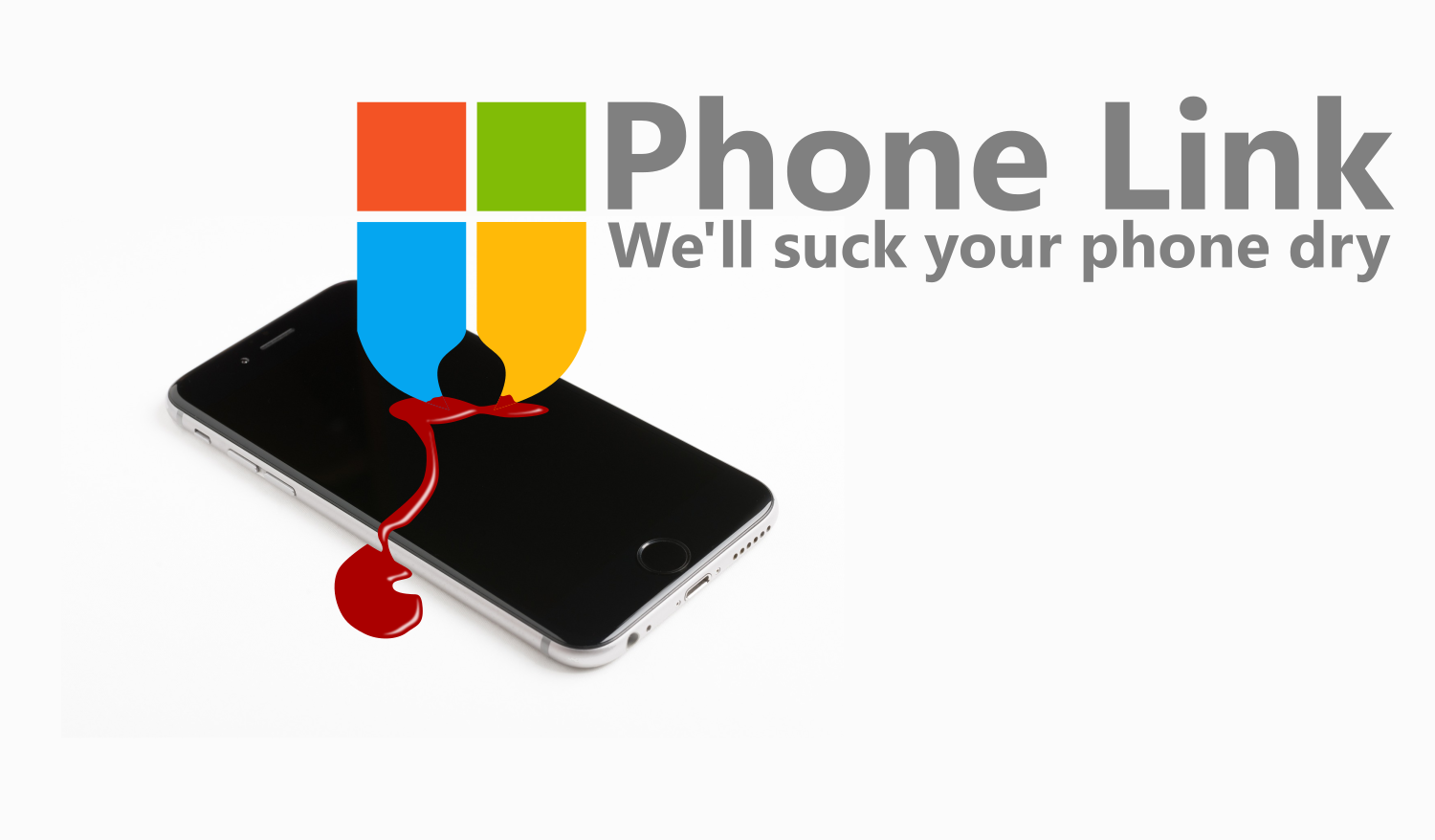

Phone Link is Microsoft’s late and closed source alternative to KDE Connect. It requires you sign in to a Microsoft Account for it to work.
This means all the transactions between your phone and your PC are monitored and sucked up by Microsoft.
KDE Connect also runs on more operating systems. It’s worth mentioning to friends who run Windows.
You can even connect e.g. Android devices with each other! No PC/laptop needed!
This feature is epic. Being able to save a file to my phone from my tablet or vice versa is fantastic.
deleted by creator
Easiest way for me to transfer my ROMs to my Steam Deck, even while using it in Windows
also works on GNOME! (gsconnect)
like most apps on Linux, kde connect was never exclusive to any desktop. you don’t need gsconnect.
I was not aware that KDE Connect ran on Windows! This is great to hear for recommendations. Thanks for spreading awareness!
It works on all platforms, I work on mobile apps so I have quite a few Androids and iPhones, as well as a linux laptop and a Mac mini. It works seamlessly between all of those.
Is there a port for M Macs? I’m missing it so much now that I don’t have Linux on the laptop.
https://github.com/KDE/kdeconnect-kde?tab=readme-ov-file#on-mac-or-windows
Weirdly shows not officially supported on github.
Thanks for the other links!
They probably mean they don’t provide support via the official channels due to the support being experimental, instead you’d report bugs directly to the kdeconnect-mac repo.
What’s preventing you from installing Asahi Linux?
Look what they need just to mimic a fraction of our power
KDE Connect is one of the most useful app on my phone, and I can’t believe I went as long as I did without knowing about it
Same, I now understand the Apple fanboys, is fucking awesome when your PC connects to your phone and things works.
How does KDE work in regards to sharing content between computer and phone?
That would be one of KDE Connects’ main functions, yes. It makes sharing any kind of file (photos, videos, whatever) easy.
You can also share the content of your clipboard from your desktop to your phone and vice versa. So you would copy, say, a web address on your desktop, and you would be able to paste it into your web browser on your phone immediately.
Interesting that they bothered to make this considering KDE Connect already works on Windows
deleted by creator
The only unique (I think?) thing about phone link is that it enables you to use your Android phone camera as a webcam, which can be handy if you don’t have a quality webcam. I think its only in the beta version though.
Audio and video sharing would be really handy. I wonder if KDE connect might do this at some point
I’m not sure if this is a Pixel feature or if its available across all of Android, but there is an option when you connect over USB to connect your phone as a webcam - but that is of course tethered instead of being wireless.
With phone link I have tested the beta version and you can use your phone camera wirelessly after initial setup. At least I was able to do this using a Redmi Note 9s without any obvious issues, apart from the privacy concerns noted elsewhere.
I wonder if KDE connect could leverage the way Syncthing does device discovery and pairing
It works across networks, with no configuration
KDE Connect is an amazing app
Phone link is SHIT, it only works sometimes and never when ya need it to
And it will never not connect even when you dont want it to
deleted by creator
I’ll just leave this here:
KDE Connect and Phone Link only have partial feature overlap. I prefer KDE Connect but to claim that either is a proper alternative for the other is wrong, unless I missed that KDE Connect supports casting the phone’s screen to PCs and launching phone apps from there.
There is scrcpy for that and you can launch arbitrary commands from KDE Connect too.
There is scrcpy for that and you can launch arbitrary commands from KDE Connect too.
I’m fully aware of that but the scrcpy feature set is not integrated into KDE Conenct, therefore the features overlap to a degree but aren’t the same. Phone Link allows to launch apps from Windows, KDE Connect doesn’t offer the same. That’s no diss or anything, just stating facts.
closed source - true
alternative to KDE Connect - false
requires you sign in to a Microsoft Account for it to work - true
you’ve got to place two spaces at the end of the text before every return if you want a
new line, otherwise two returns give you anew paragraph
This is not new. Has been there for a while
It’s been there for years, I think at least since before 11 was released…
@kde
#kdeconnect is really awesome. The only negative point is that it won’t allow you to send multiple files simultaneously. We have to send each file separately. If possible, please provide it soon.
@kde@lemmy.kde.socialKDE Connect mounts your phone as a network folder in Dolphin. You could copy multiple files and paste them into a folder in your phone through Dolpin as a workaround.
That’s my problem with KDE. Probably the one most useful feature it could implement, it doesn’t have.
@kde@floss.social why isn’t it called KDE Konnect instead of Connect?
@kde@floss.social @kde@lemmy.kde.social Which, funny enough, is Precisely Why I run KDE Connect.
Also, I don’t let my androids fraternize with Windows machines, I’d have to boil them all later because, ew.
@kde@floss.social @kde@lemmy.kde.social
Kde connect is awesome!@Norodix @kde@floss.social @kde@lemmy.kde.social it really is awesome! I use it daily. The last time was during a presentation at school , using my phone as a kind of remote for presentations is awesome