
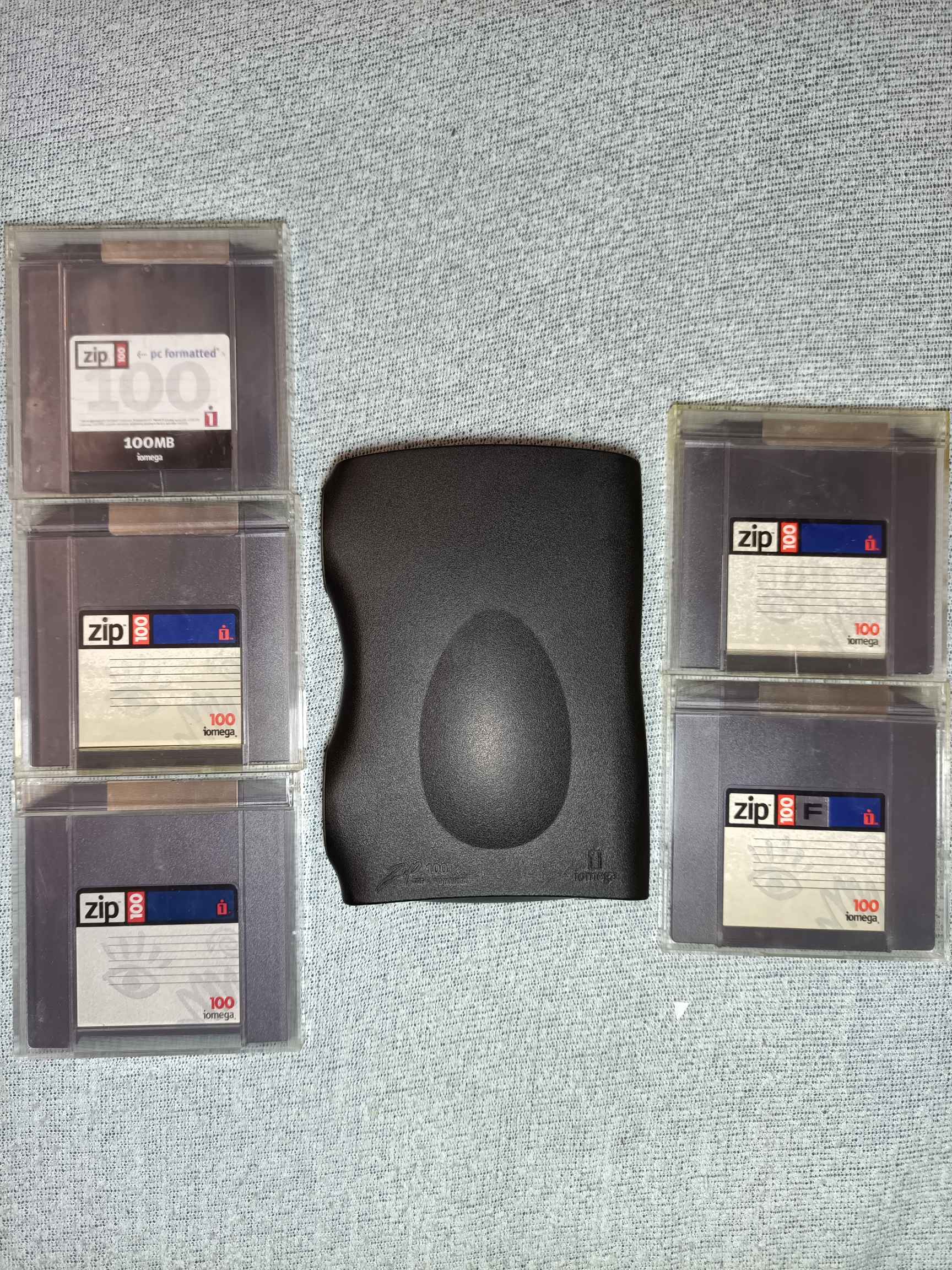
So, I got this. But I also know these things aren’t the most reliable and I am really paranoid about breaking it, and there’s some suspicious things.
First, it feels cheap, especially the USB port on the back feels like it wants to break off.
Second, and quite worrying, when I first got it, it was clicking and not reading disks. Slower when I held it with the opening towards the top, faster with opening towards bottom. I thought it was dead, when eventually after a few retries it started working. Now, this was faster clicking, especially fast shortly before it started working, so perhaps it was just stuck.
On the other hand, I found this: https://www.grc.com/tip/codfaq2.htm
Most users who have lost their crucial data tell the same sad story of hearing “those clicks” some time ago “but then they went away and everything seemed okay for a while.”
Now, 2 of the disks also had some smaller issues. One had trouble loading. Formatting it seems to have fixed the issue. Maybe. I used fdisk so it left out the first 1MB.
The second loads fine, but doesn’t seem to like writing. It seems to do it in bursts, and it is audible. There’s also 2 sections where it produces a buzz, both on read and write.
Here’s an audio sample from continuous (one file) write to that disk:
https://files.catbox.moe/yo6g50.flac
Current ideas
Checking disks for damages by pulling back the metal cover and rotating the disk manually, looking for stuff like this: https://www.grc.com/tip/codfaq4.htm or anything suspicious (the white cloth inside is too close and hairy for my liking).
Peeking into the drive to check for head damage and dirt.
Treating it like I treat running HDDs (do not unpower without parked heads, avoiding movement and vibrations), and generally being careful even when off (avoiding drops).
in the late 90s/early 00s I went through a few of these drives. OP, they break, they just die. once you start getting the “clicks of death” it’s only a matter of time before the entire drive craps out on you. it generally doesn’t happen all at once. few clicks here and there. but eventually it’ll become more frequent until every zip disk you pop in just starts clicking. Just how it goes. and the thing is they’re pretty much impossible to fix. when it’s dead, it’s dead.
All I can suggest is enjoy it while you can because it WILL die and the fact the thing has lasted this long is impressive.
Eventually after the 4th drive died my Dad was done with them, had enough. Spent the money to get a CD-RW drive.
So they’re great for nostalgia. they’re neat in that regard. but don’t put anything you would consider even moderately important on those zip disks.
I wish I could see into the drive when it was clicking to see what exactly was happening, whether it was seek issue, or the head arm was just stuck (and not even entering the disk). It should have been functional before shipping. And also, I let it warm up for an hour, but there was some condensation after bringing it in on it, and I don’t know how it was doing inside, though I think it should have been okay after that much time on table.
But I guess you could also say these are always in the state of dying, and were since their manufacture. Welp, fingers crossed, all I can do.
Anyway, as for the problematic disk, Iomegaware’s full format manages to take care of it, but it’s far slower than writing the whole disk.
It also shows disk and “formatting” life percentage, whatever those actually mean. I couldn’t get Trouble in Paradise to work in either Windows XP or 2000, though I didn’t try on bare metal.